
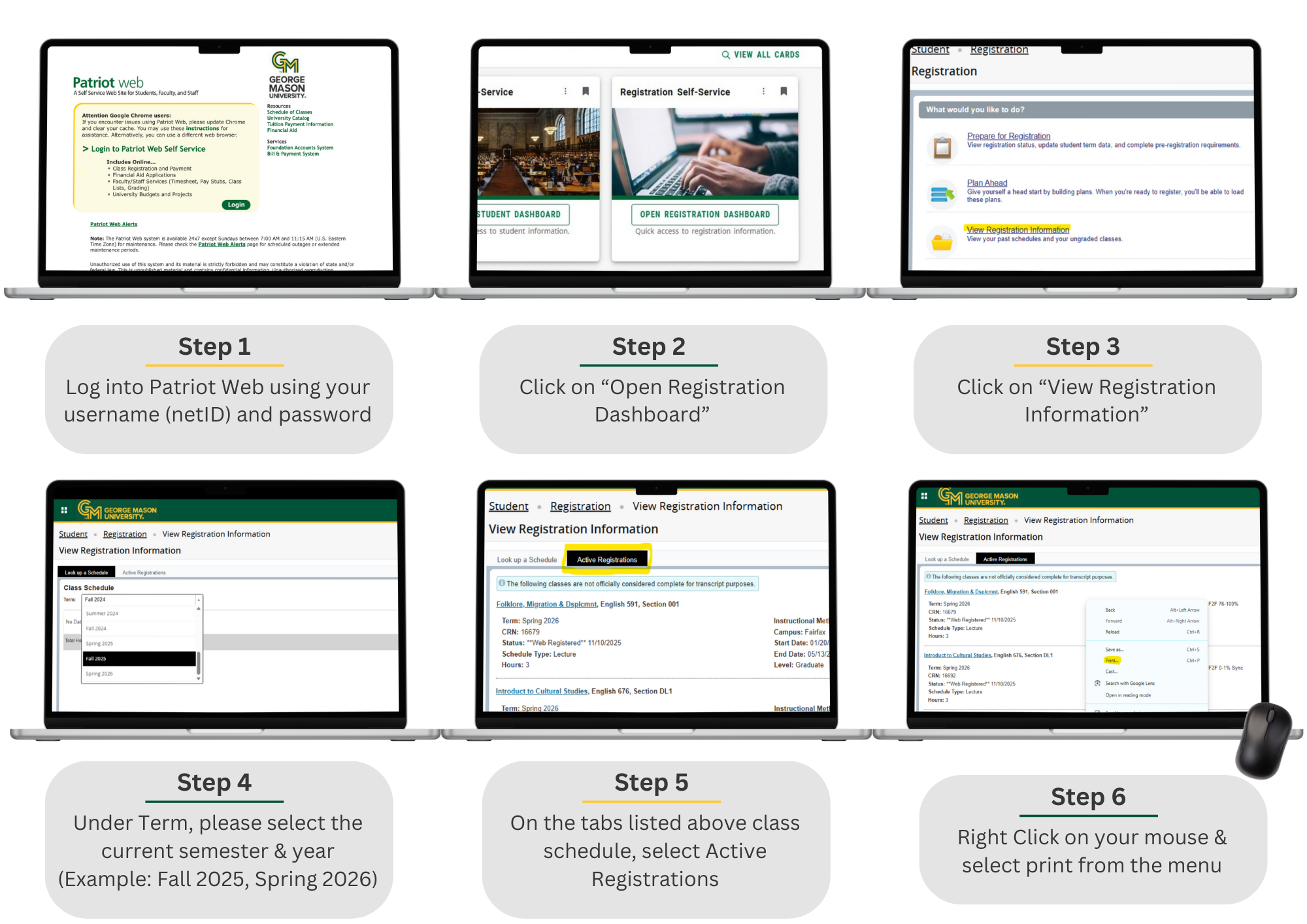
Step 1: Log into Patriot Web using your username (netID) and password
Link: http://patriotweb.gmu.edu
Step 2: Click on “Open Registration Dashboard”
Step 3: Click on “View Registration Information”
Step 4: Under Term, please select the current semester and year (Example: Fall 2025, Spring 2026)
Step 5: On the tabs listed above class schedule, select Active Registrations
Step 6: Right Click on your mouse and Print